Image Rotate
Rotate images to any angle
Select Image
Drag & drop or click to select
Rotating an image
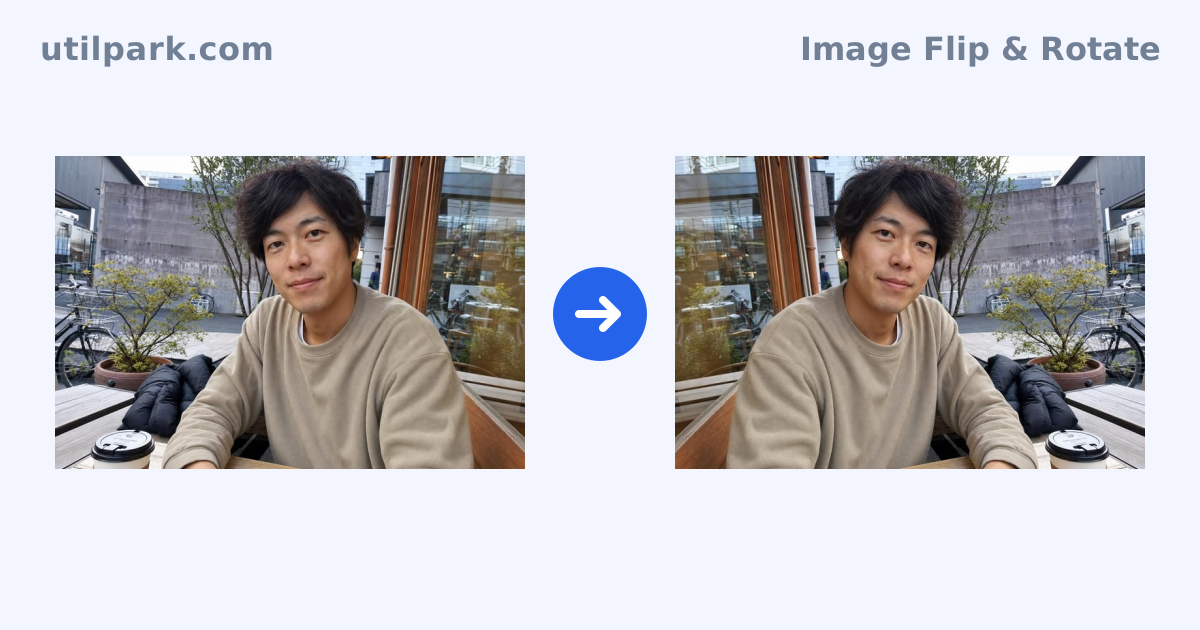
Phone photos that saved sideways and scans that came out ninety degrees off are everyday problems. This tool loads an image and rotates it to any angle with a 0–360° slider. The common cases — 90°, 180° and 270° — have preset buttons, so straightforward reorientation takes a single tap.
Rotating by anything other than a multiple of 90° places the tilted image inside its bounding rectangle, so the exported file is larger than the original. Both the original and processed dimensions are shown on screen before you download. To straighten a photo that was taken slightly off level, nudge the angle a few degrees at a time and watch the preview.
Loading, rotating and downloading all happen in your browser, and the image is never sent to a server. Reset returns you to the original if you want to start over. Nothing to install, no account needed, and it works directly from a phone.
Frequently asked questions
- Can I rotate by an arbitrary angle?
- Yes. The slider covers any angle from 0 to 360 degrees, and 90°, 180° and 270° are also available as buttons.
- Why does the image get bigger when I rotate it?
- At angles that are not multiples of 90°, the canvas has to grow to the bounding rectangle of the tilted image. The before and after dimensions are both displayed.
- Does rotating reduce quality?
- Rotating by a multiple of 90° just rearranges pixels and is lossless. Other angles require resampling, which slightly smooths edges.
- Is my image uploaded?
- No. All processing happens inside your browser.